
AI Side Panel: Smart Workspace
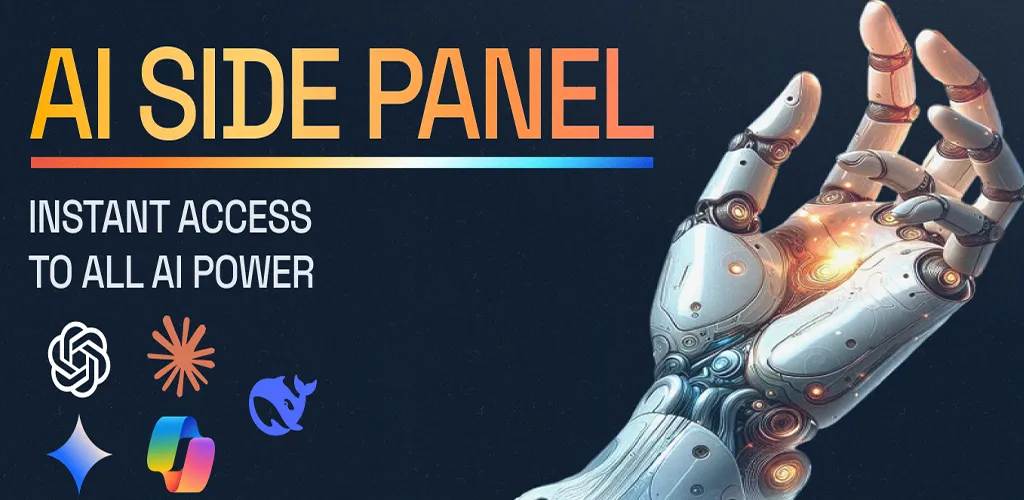
Stop juggling apps. A unified AI command center for iPhone and iPad — multi-model intelligence, split-view comparison, and native iOS Share Sheet integration bring every top-tier AI service into one seamless workspace.
Project Gallery
AI Side Panel: Smart Workspace
Stop juggling apps. This is your unified AI command center.
AI Side Panel transforms how you interact with Large Language Models on iPhone and iPad. Rather than just opening web pages, it’s engineered as a high-performance workspace that aggregates every AI service into a single, seamless interface — the essential tool for developers, creators, and power users who need instant access to the world’s smartest models without the friction of switching browser tabs.
Looking for the browser extension version? See AI Side Panel Extension.
The Challenge
Power users live in many AI models: one for complex reasoning, one for creative writing, another for data analysis. Keeping them open across browser tabs means constant context-switching, copy-pasting between windows, and no reliable way to compare outputs side-by-side or push content from other apps into a prompt.
The Solution: A Unified AI Workspace
- Multi-Model Intelligence — Access a curated, fully customizable list of top-tier AI services. Switch from complex reasoning to creative writing or data analysis in one tap. You control the default service and the layout.
- Split View & Comparison Mode — Eliminate hallucinations and verify facts instantly. Run two distinct AI services simultaneously to compare code snippets, cross-reference data, or translate text using different engines side-by-side.
- Native System Integration — Bring AI into every corner of your iPhone and iPad.
Native iOS Integration
- Smart Share — Use the iOS Share Sheet to push content directly to a specific prompt template from any app.
- Highlight & Send — Select text anywhere and route it straight into a prompt.
- Prompt Templates — Pre-define reusable prompts so common workflows take a single tap.
Key Features
- One workspace, every model — ChatGPT, Claude, Gemini, Copilot, DeepSeek, and more, all in one place.
- Split View comparison — Run two models side-by-side and compare answers in real time.
- iOS Share Sheet — Send selected text or links into a prompt template from any app.
- Prompt templates — Save and reuse your most common prompts.
- Customizable layout — Pick your default service and arrange your workspace your way.
- Distraction-free design — A clean, minimal interface that gets out of the way.
Built for Power Users
Whether you’re cross-checking a code snippet across two models, drafting from research pulled out of Safari, or translating with different engines to catch nuance, AI Side Panel turns your iPhone and iPad into a serious AI workstation.